For online shops in Georgia
A gift for your shopper. Revenue for you.
A showcase of brand gifts on your “Thank you for your order” page. Shoppers leave with a gift — and a warm feeling about your store.
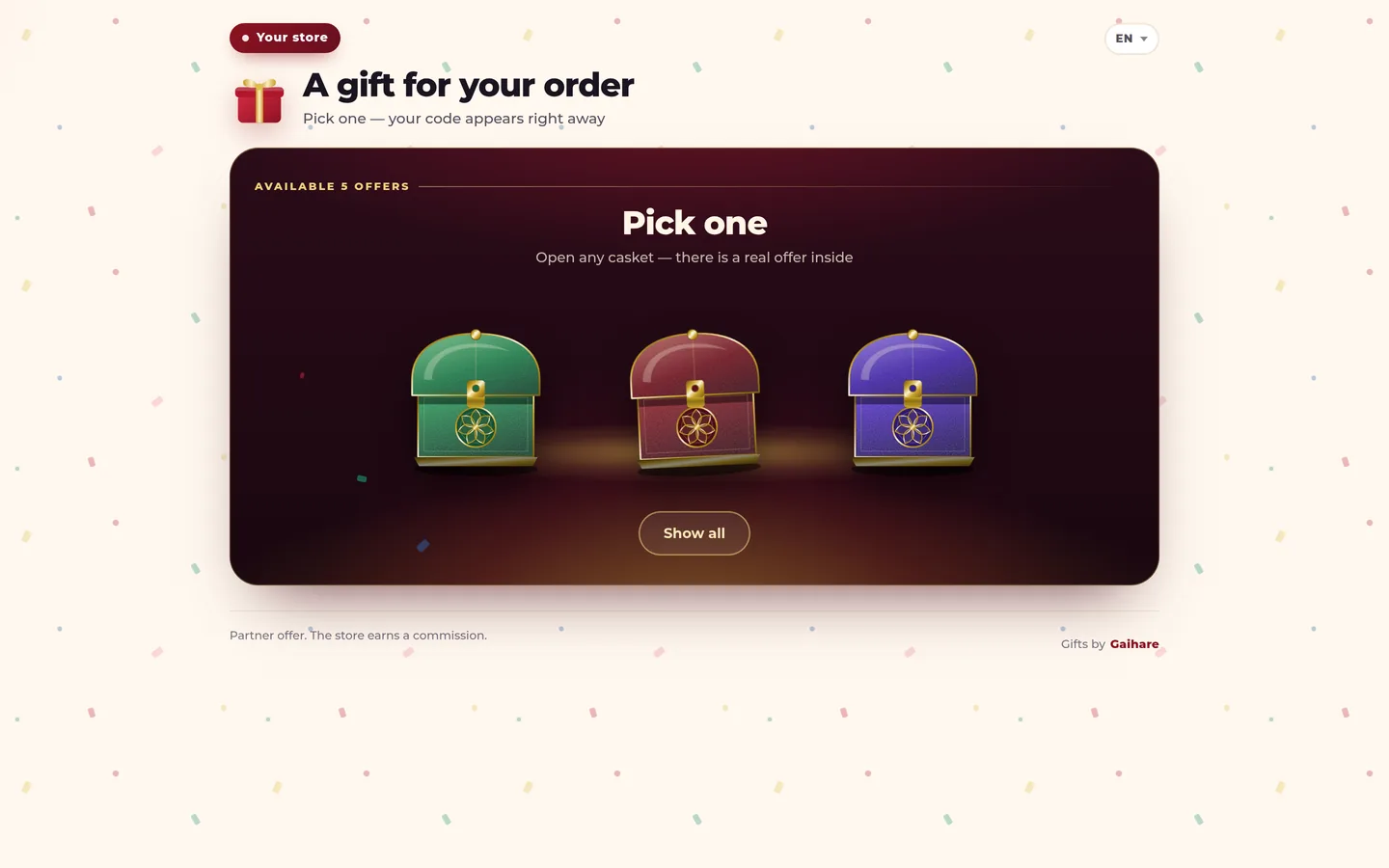
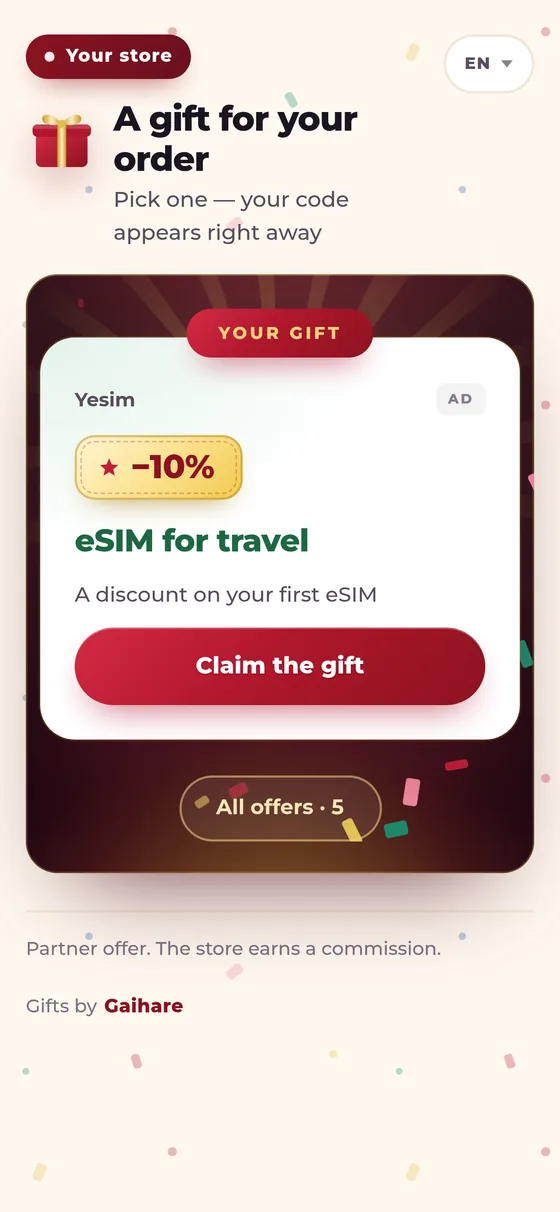
Your “Thank you for your order” page starts working for you
Revenue
Rewards for shopper actions on the showcase. Paid out every month.
Loyalty
Shoppers remember the store that gave them a gift — and come back more readily.
No ad spend
Brands pay for the gifts. You delight customers without touching your budget.
Zero risk
The showcase appears after payment: the cart and checkout stay untouched.
Paid for the order — got a gift
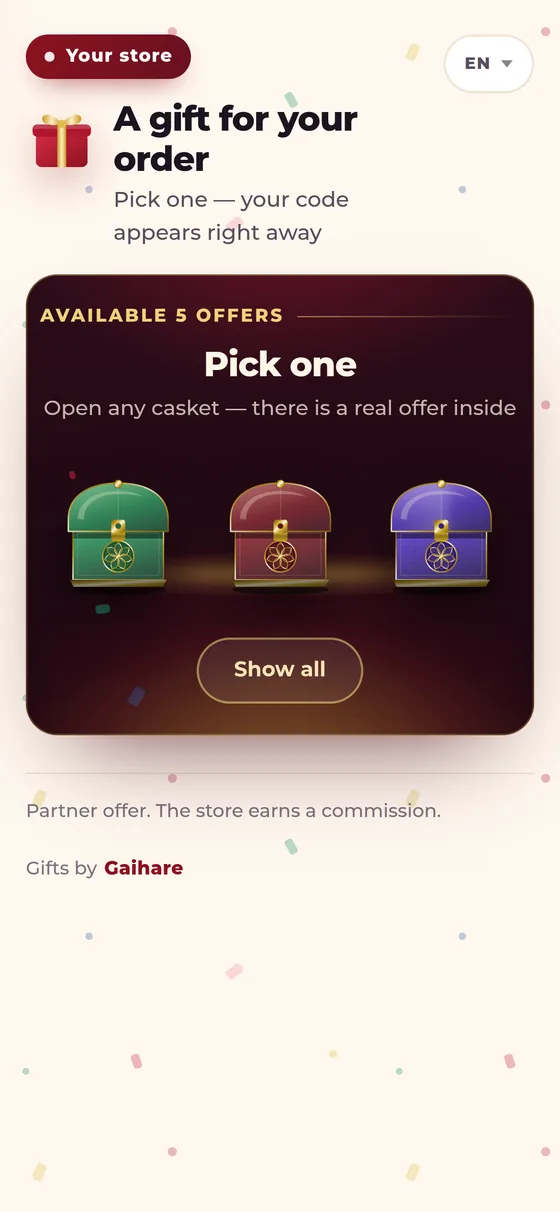
Sees the gifts
Right after payment, brand gifts appear on the “Thank you for your order” page.
Opens a gift box
Picks a box and opens it — inside is a discount, a promo code or free delivery.
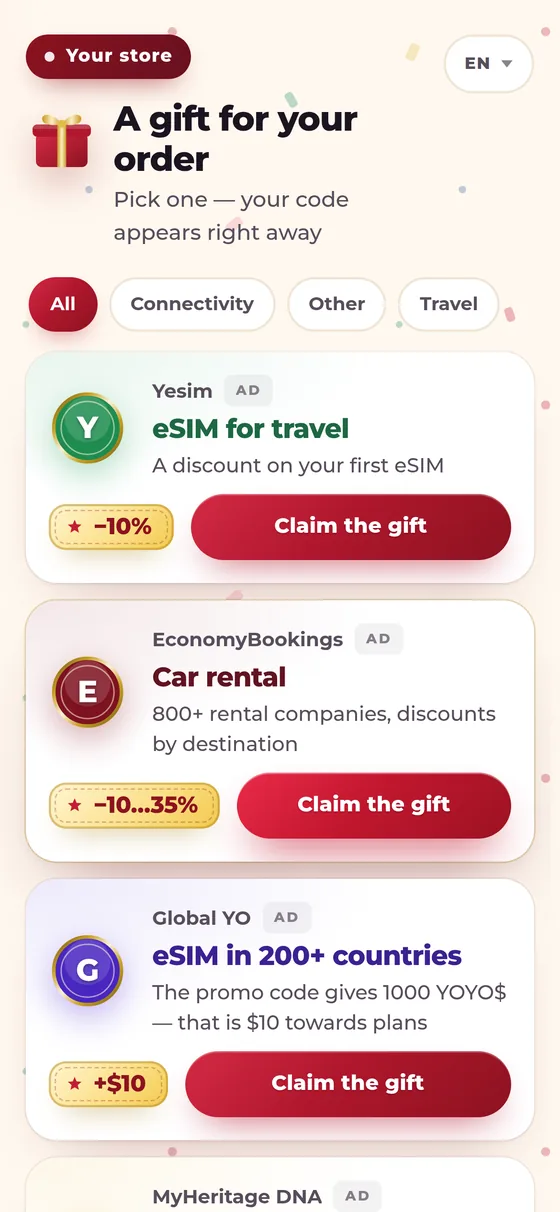
Gets a promo code
Takes the promo code and uses it with the brand. No sign-up needed.
This is not a picture — it is the showcase itself
The frame below holds the actual page your buyer sees after paying. You can tap it, scroll it and open the cards — it is the same page, not a mock-up.
The impression is not counted and the link will not go through: this is preview mode and it changes nobody's statistics.
Three ways to show the showcase
The line of code is not the only door. The showcase lives on its own page with a personal link — you can lead people to it from anywhere.
A line of code
The showcase appears right on your “Thank you for your order” page. There is a ready-made plugin for WooCommerce.
A link in the email
A “Claim your gift” button in the order email. Nothing is installed on the site — no developer needed.
A banner
A banner on the order page or in the customer account leads to your showcase. Again, without a single line of code.
The accounting is the same on all three paths: impressions, click-throughs and rewards show up in the dashboard.
You sell. We turn shoppers into regulars.
A loyal audience
Every shopper leaves with a gift — and a warm impression of you.
Repeat visits
A gift is a reason to come back: shoppers remember where they got it.
Retention without budget
Brands pay for the gifts, not you.
Every lari in sight
- Brand selection
- A showcase in your style
- Install — a line of code or a plugin
- Tracking and anti-fraud
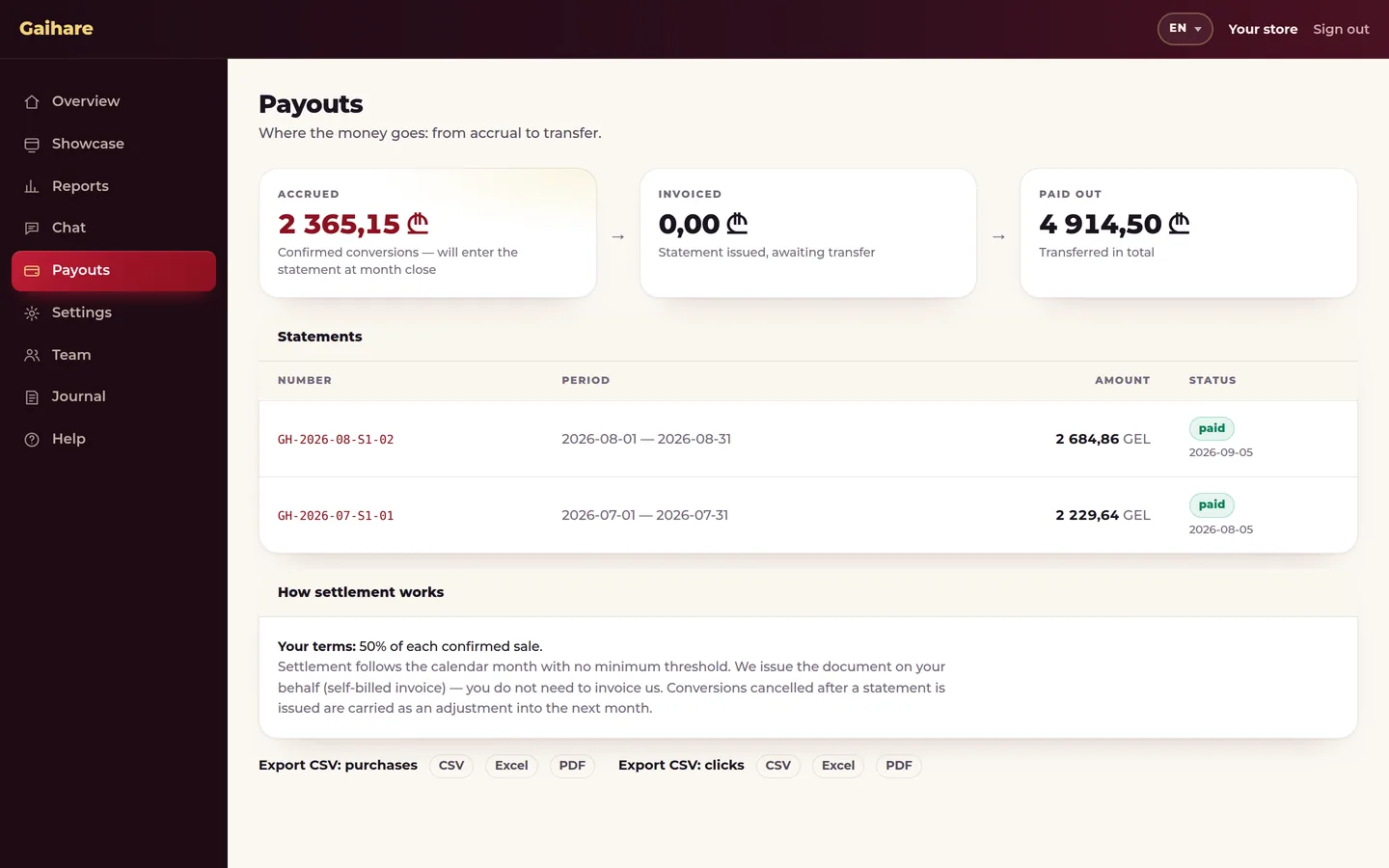
- Monthly payouts
From first meeting to first gifts
A meeting — and your showcase is ready the same day
Agreeing the terms
Installation — 10 minutes
The first gifts for your shoppers
In short: tech and terms
What people usually ask
Will this slow my site down?
The script loads asynchronously and only after payment. It never touches the cart or checkout.
Will you take my customer away?
The showcase appears after the order is already paid for. The purchase has happened.
What data do you receive?
The order number and total, if the store sends them — only to reconcile earnings. No name, no email, no phone, no address. No raw IP is ever stored.
Can I block a specific brand?
Yes. Every showcase has its own blocklist — set at onboarding and editable at any time.
How long does setup take?
On WooCommerce — the plugin and one key. On any other platform — one line on the post-payment page.
What if my payment gateway does not return the customer to the site?
Then the showcase goes out as a link in the order email. It is a setting.
How do I turn it off?
Remove the line or disable the plugin. Nothing else is required.
Can we join without a developer?
Yes. The showcase lives on its own page with a personal link: put it as a button in the order email or as a banner — nothing is installed on the site. The accounting is the same as with the line of code.